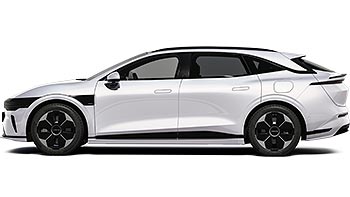
Rivian releases Apple Watch app with Digital Key support
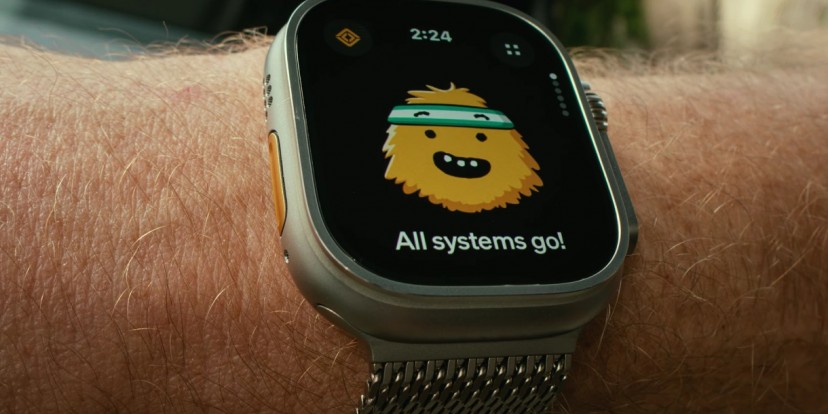
Back in December, Rivian issued a software update for R1S and R1T models that added (among other things) Digital Key support for iPhone, Galaxy and Pixel phones. Now there is a new update (v2026.03) that enables the Digital Key feature on the new Apple Watch app.
This works seamlessly on Gen 2 vehicles – just walk up to the car, get in and drive. However, if you own a Gen 1 vehicle, you have to tap the Unlock button in the app and you have to have the app open to start the car.
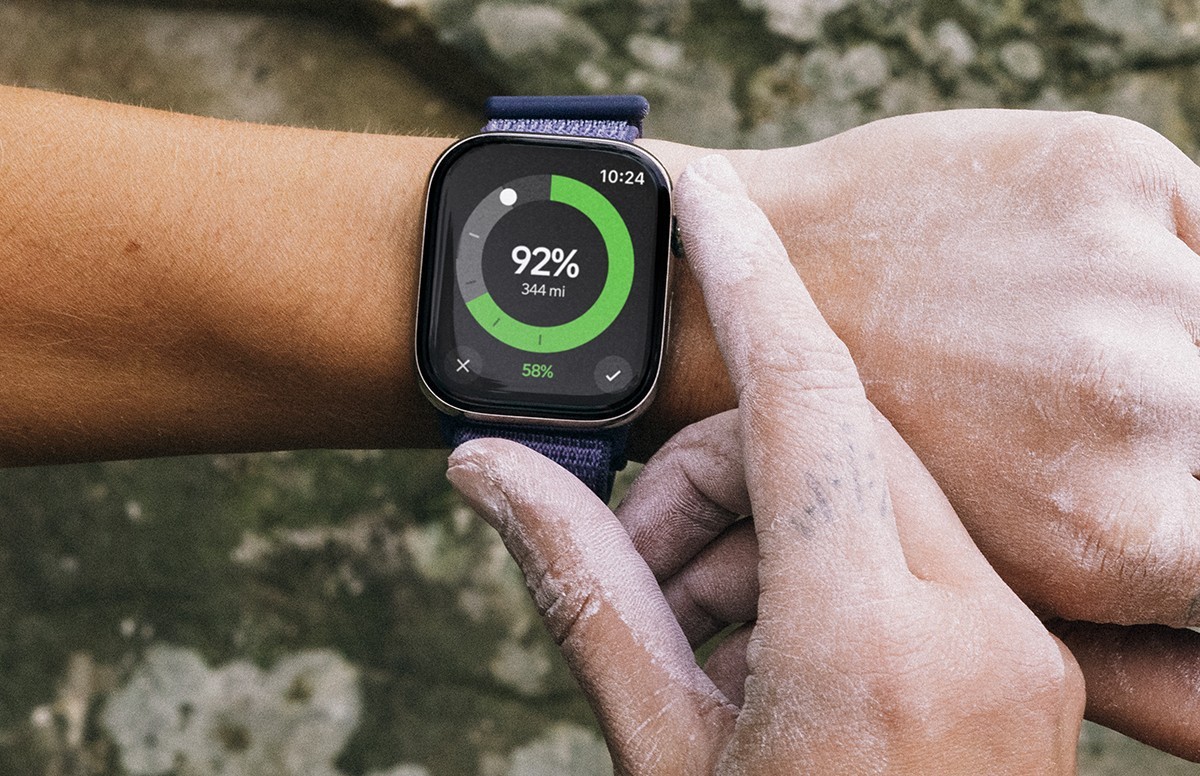
The watch app gives you easy access to the most important features. For example, you can use the digital crown to change the charge target for the car. The app can also just start or stop charging remotely.
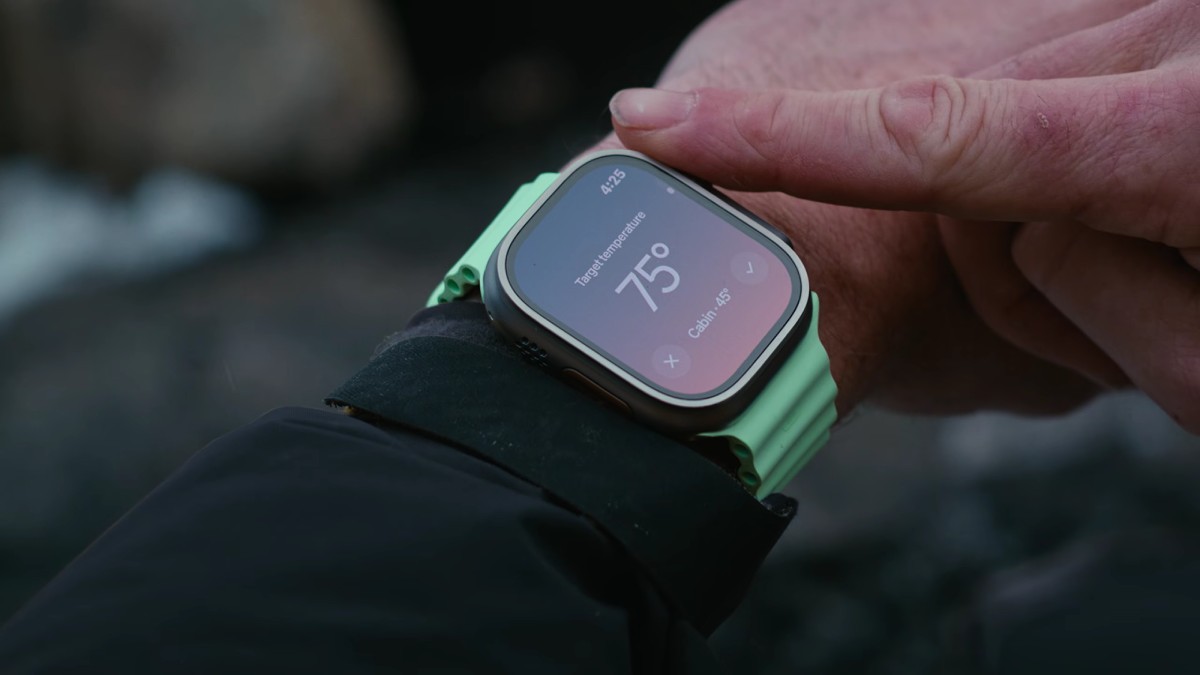
You can also make sure that your car is nice and warm – or nice and cold, depending on the season – before you get in. The digital crown lets you adjust the set temperature for the climate control. It also lets you open the windows to vent the car.
Similarly, you can open and close the frunk and trunk remotely from the watch.
On top of all that, you can pick four often-used functions and add quick controls for them, giving you easy access through the Apple Watch.
Once your car is updated to v2026.03 and you set up the watch app, you will be able to add a charge status indicator to your watch face, so your battery level is always available at a glance.
Rivian promises this is just the start – the Rivian Apple Watch app will get new features in the future. However, there is no word on a similar app for watches based on Google’s Wear OS.
Related




Reader comments
Nothing yet. Be the first to comment.